

Why ERP Projects Fail After Go-Live (And How to Fix It)

May 13, 2026 · 15 min read
On this page
- Day 1 Isn't the Finish Line
- The 5 Most Common Post Go-Live Failures
- Why Traditional ERP Support Models Break Down
- The Real Cost of Post Go-Live Failure
- A New Approach: AI-Powered Adoption and Support
- What Best-in-Class Post Go-Live Looks Like
- FAQ
- KEY TAKEAWAY
- Ready to transform your support operations with AI agents that handle your requests?
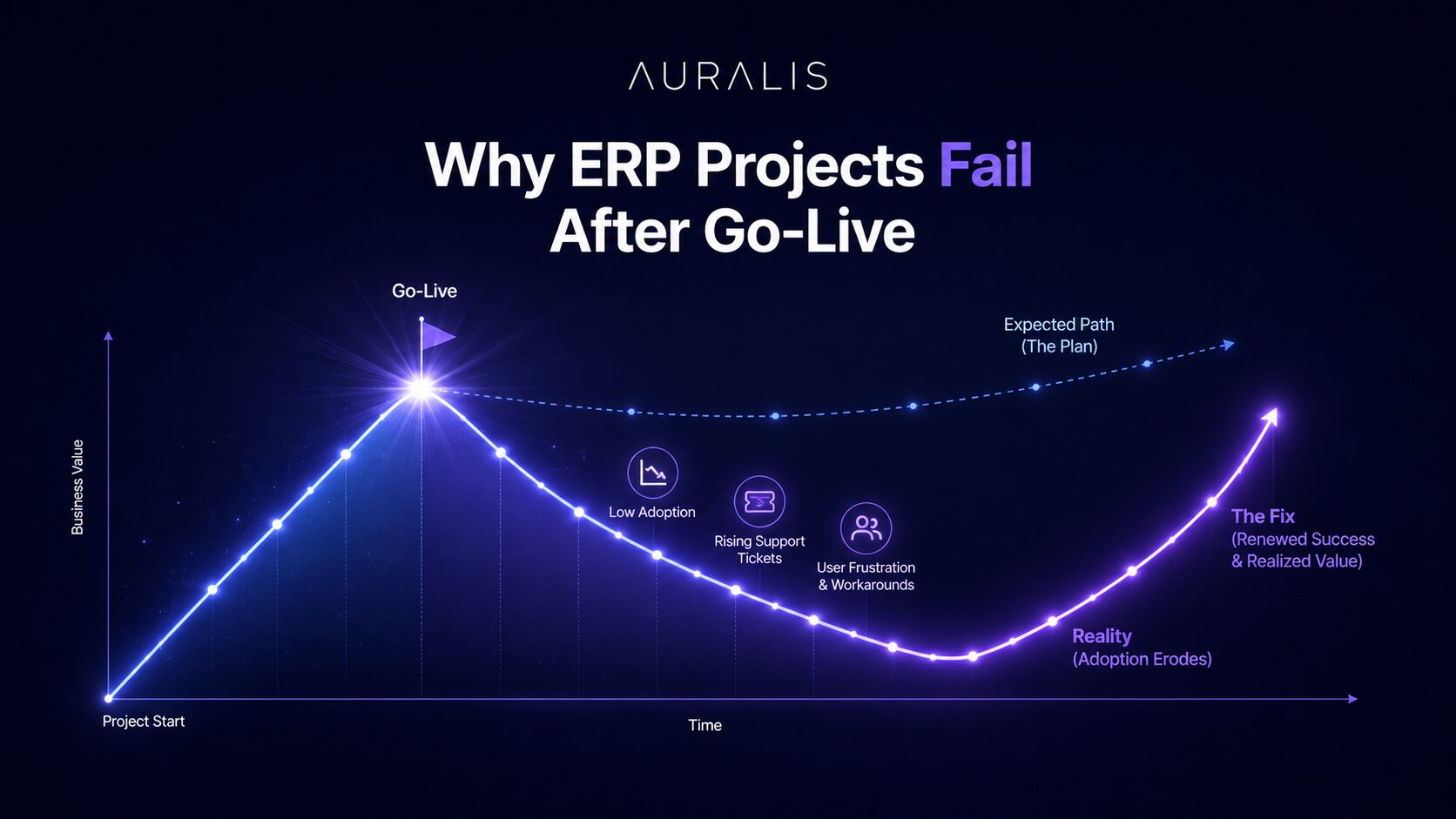
ERP projects don’t fail on go-live day—they fail in the months after. Most D365 F&O implementations achieve successful cutover, but 50-60% struggle with user adoption, uncontrolled support costs, and process drift within the first 18 months. The difference between thriving and failing organizations isn’t the system; it’s whether they invested in structured adoption, contextual training, and intelligent support automation.
The Go-Live Myth
Day 1 Isn't the Finish Line
Organizations celebrate go-live as if crossing the finish line. Implementation partners step back. Budgets close. But go-live is the start, not the end. The real transformation happens in the 3–18 months that follow — when the organization discovers whether users will actually adopt the system, whether processes will hold, and whether support can scale without exploding costs.
62%
of organizations report lower-than-expected system adoption six months post go-live — Panorama Consulting 2024
300–400%
spike in support costs in months 3–6 as users hit real-world scenarios training never covered — Gartner
40%
higher adoption metrics in organizations investing in continuous, role-based guidance post go-live
Failure Patterns
The 5 Most Common Post Go-Live Failures
These failures are not system failures. They are organizational readiness failures — and every one of them is preventable.
01
User Adoption Gaps
Training stops. Support tickets rise. Users revert to workarounds. By month four, you have a two-tier system: power users navigating D365 fluently, and the broader organization working around it. This adoption cliff directly correlates with unmet expectations and poor training ROI.
02
Super-User Dependency
Three people in your organization know how to do things. Every deviation and edge case flows to them. Your super-users become a bottleneck and a retention risk. When one leaves, knowledge walks out with them. This dependency model isn't sustainable and leads to salary inflation and burnout.
03
Support Ticket Overload
70% of support requests are not about system failure — they are about how to use the system. Without intelligent routing and AI-assisted resolution, your support team becomes a drag on value delivery, not a driver of it.
04
Process Drift
You configured D365 to enforce your optimized processes. Three months in, users are working around the system, creating shadow spreadsheets, and reverting to legacy workflows. Without continuous reinforcement and clear role-based work instructions, even well-designed processes decay.
05
Training Decay
Training happened once, at go-live. New hires get nothing. Seasoned users forget. Processes change and training doesn't follow. By month twelve, you are running on tribal knowledge and instinct. Every turnover event cascades into months of lost productivity and retraining costs.
Structural Failure
Why Traditional ERP Support Models Break Down
Traditional ERP support relies on three models. All of them fail post go-live — because they respond after the user is already stuck.
Users submit tickets. Support triages. Often re-routes to super-users. Every step adds delay, and the user is stuck throughout. Doesn't scale with ticket volume.
Slow, dependent, doesn't scaleUsers search a static library. But knowledge bases are rarely updated post-launch, and users often don't know what to search for. Stale content creates more confusion than clarity.
Stale, hard to navigateThe fastest path, but the most expensive and least scalable. Concentrates risk in 2–3 individuals and burns them out. One departure creates an organizational knowledge crisis.
Fast but unsustainableNone of these models prevent the problem. They all respond after the user is stuck — support costs rise, adoption stalls, and frustration becomes the dominant user experience.
Financial Impact
The Real Cost of Post Go-Live Failure
Quantified for a 1,200-user D365 F&O implementation. These are not theoretical projections — they are averages drawn from benchmarking data.
Support Team Expansion
62% of orgs expand support staffing 30–50% in months 3–12. For a 5-person team: 1.5–2.5 additional FTEs at $85K–$100K loaded cost per year.
Productivity Loss
Workers interrupted by support needs lose 15–20 minutes per occurrence. With 1,200 users and 20+ unresolved queries per day: 40–60 hours per week lost.
Delayed Business Value
Poor adoption delays realization of ERP benefits by 6–18 months. For a deployment targeting $2–4M in annual efficiency gains, a 12-month delay represents $2–4M in deferred value.
Turnover and Knowledge Loss
Super-user burnout drives attrition. When knowledge workers leave, retraining their replacement costs $25K–$50K in time and external consulting.
Annual support cost overrun
300–400%
of the original annual support budget
Deferred business value
$2M – $4M
per year in unrealized efficiency gains
The New Model
A New Approach: AI-Powered Adoption and Support
Leading organizations are rethinking post go-live entirely — building a support layer that prevents problems in the first place, rather than responding to them after the fact.
Pillar 01
Contextual Guidance at Point of Need
Role-based guidance, video tutorials, and process diagrams live inside D365, accessible in one click. Users should never have to leave the system to get help.
35–45% reduction in support requests in first 90 daysPillar 02
Standardized Processes with Work Instructions
Process diagrams and step-by-step work instructions lock in your optimized workflows. Eliminates process drift and gives new hires a single source of truth from day one.
Process drift eliminated within first 6 monthsPillar 03
AI-Powered Support Automation
Intelligent agents that understand D365 context resolve 60–70% of support requests without human intervention. Reduces support team load by 5×, freeing staff for strategic work.
Up to 75% ticket auto-resolution ratePillar 04
Continuous Learning and Feedback Loops
Support data becomes training data. When certain queries spike, guidance gets updated. When users struggle with a process, that signals a training gap. The system stays current automatically.
Knowledge base always current — not staticBest-in-Class Execution
What Best-in-Class Post Go-Live Looks Like
In organizations running this model well, the post go-live curve looks fundamentally different. Support costs flatten. Adoption climbs. Strategic value arrives on schedule.
Day 1–30
Immediate Access
Users have role-based training, embedded guidance, and AI-powered help from day one. Support requests are 30% lower than industry benchmarks.
Month 2–3
Adoption Stabilizes
Adoption curves flatten at 85%+ user engagement. AI automation prevents the usual support spike that hits most organizations at this stage.
Month 4–6
Support Team Rightsized
Support team stabilizes at original staffing levels or smaller. Super-user dependency diminishes as guidance scales knowledge across the organization.
Month 6–12
Process Alignment Holds
Process drift is minimal. Work instructions and process diagrams keep behavior aligned with intent. New hires ramp in weeks, not months.
Month 12+
Truly Strategic Support
Your team manages exceptions and drives continuous improvement — not triage. ERP business value is realized on schedule, not deferred by 6–18 months.
50–60%
Lower support costs reported by organizations running this model
40%
Higher adoption rates vs. organizations without continuous guidance
18+ mo
Acceleration in business value realization vs. traditional support models
Stop treating go-live as the finish line
See how Sprint365 and Auralis prevent post go-live failure — from day one.
FAQ
Looking for details to help you decide?
Here's why Auralis help you start saving today!
Isn't support overload just part of any ERP implementation?
Can we really prevent super-user dependency?
How quickly does AI automation show ROI?
What's the time investment to set up guidance and process documentation?
KEY TAKEAWAY
ERP failure post go-live isn’t about the system—it’s about organizational readiness. The organizations pulling the most value from D365 F&O are those that shift from reactive support to proactive guidance and automation. By combining role-based training (Academy), embedded contextual help, process standardization (Help and Processes), and AI-powered support automation (Auralis), you eliminate the most common failure patterns: adoption gaps, super-user dependency, and support cost explosion. The cost of not doing this is three to four times higher than the investment in building it. Go-live is the start line, not the finish line—and how you run the first 12 months determines whether you get a 10x system or a 10x headache.
Ready to transform your support operations with AI agents that handle your requests?
Book a demoFor ERP support teams
See Auralis on your ERP help desk
A 30-minute walkthrough on your own requests: access, posting errors and how-to questions.
Book a demoDeveloper Advocate
Related posts

AI-Powered ERP Support: How to Automate Up to 75% of Your D365 Help Desk
AI-powered ERP support automation can resolve up to 75% of support requests without human intervention by deploying intelligent agents that understand your D365 configuration, data, and business processes.
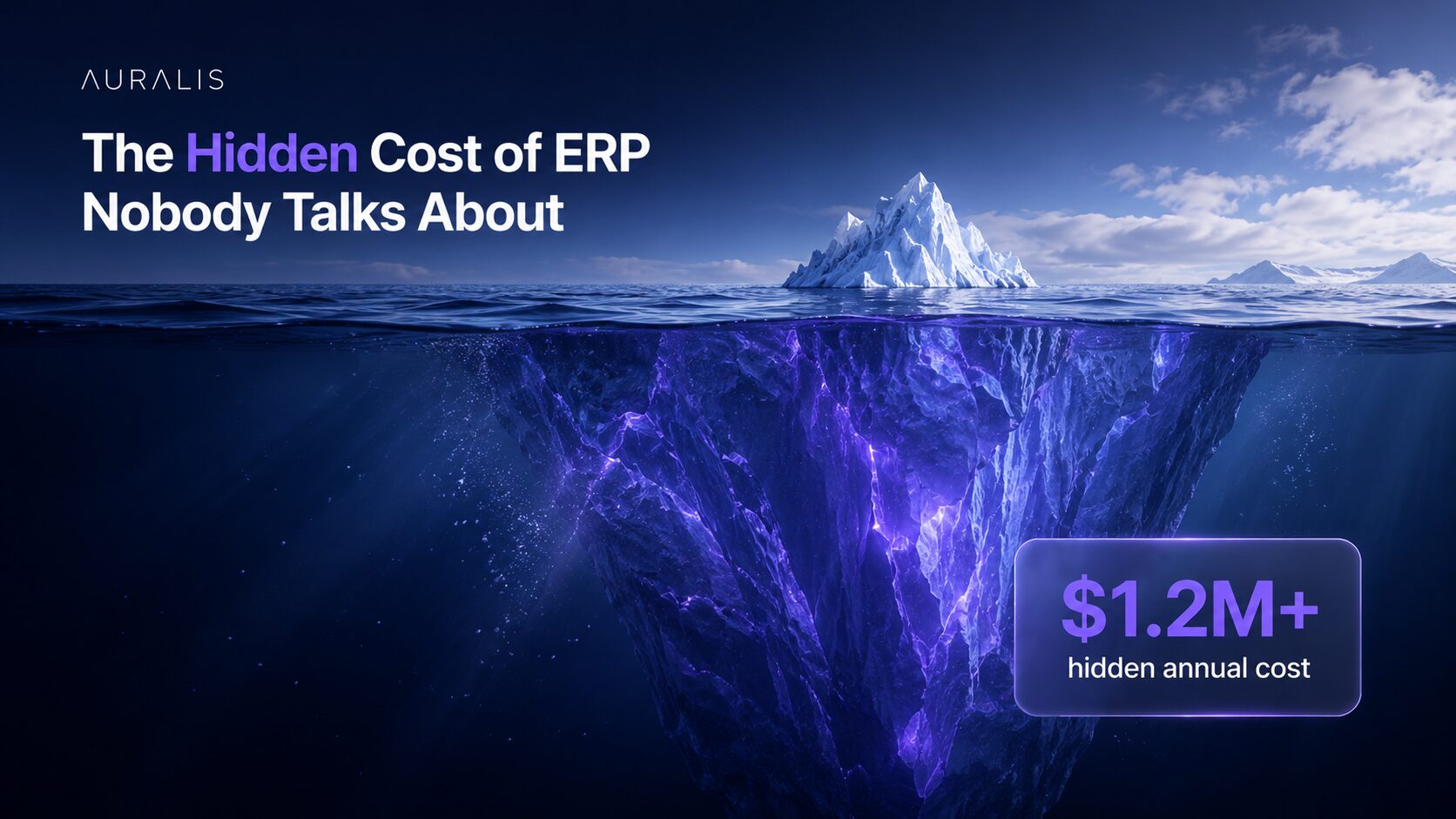
The Hidden Cost of ERP Nobody Talks About
The ERP budget you present to leadership covers implementation, licensing, and hardware. What it doesn't cover are the hidden costs that quietly drain your team and your margins long after go-live.
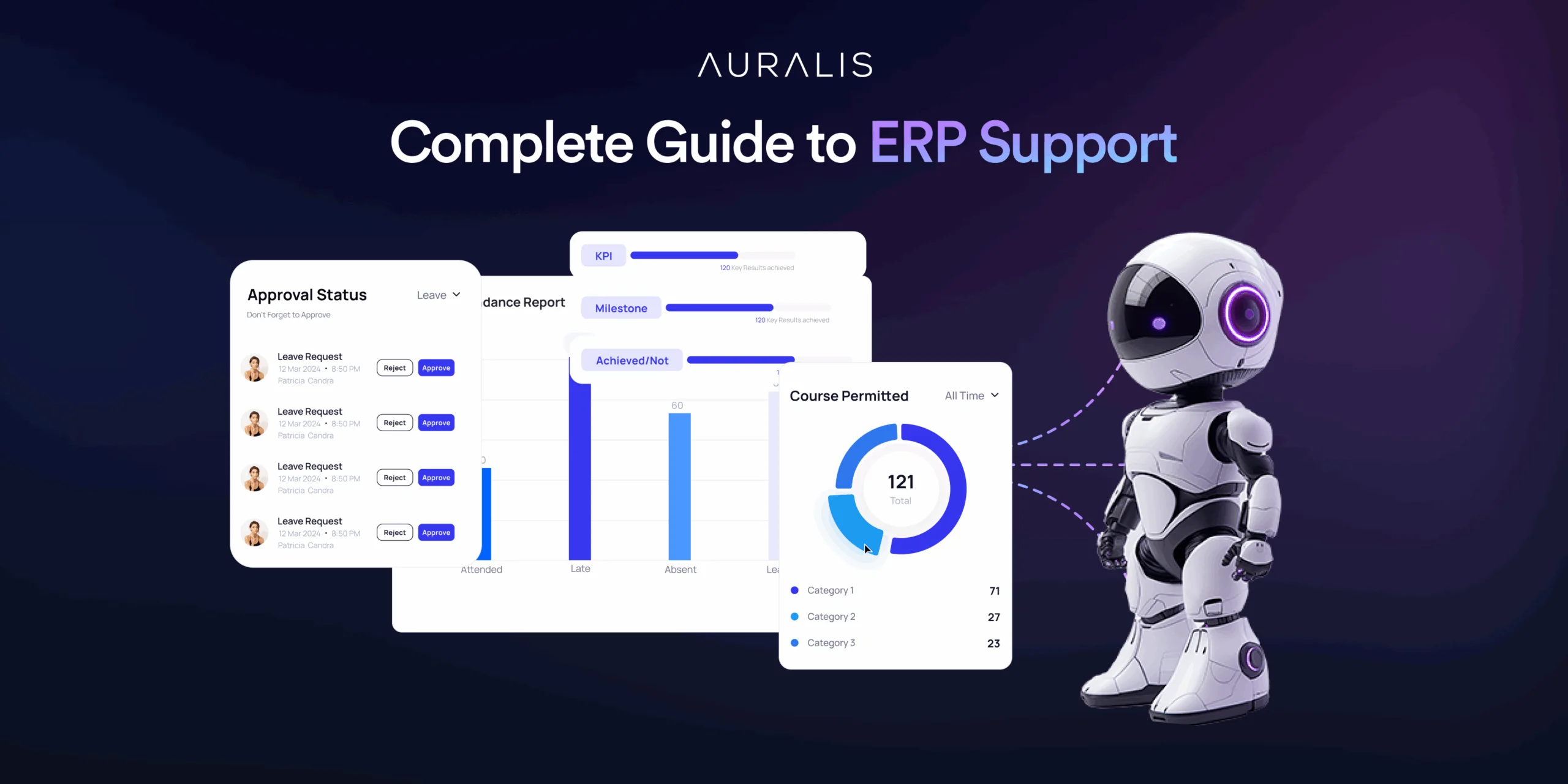
The Complete Guide to ERP Support in 2025
How AI-powered ERP support eases post-go-live challenges, improves user adoption, reduces costs and lifts overall efficiency for your business.