

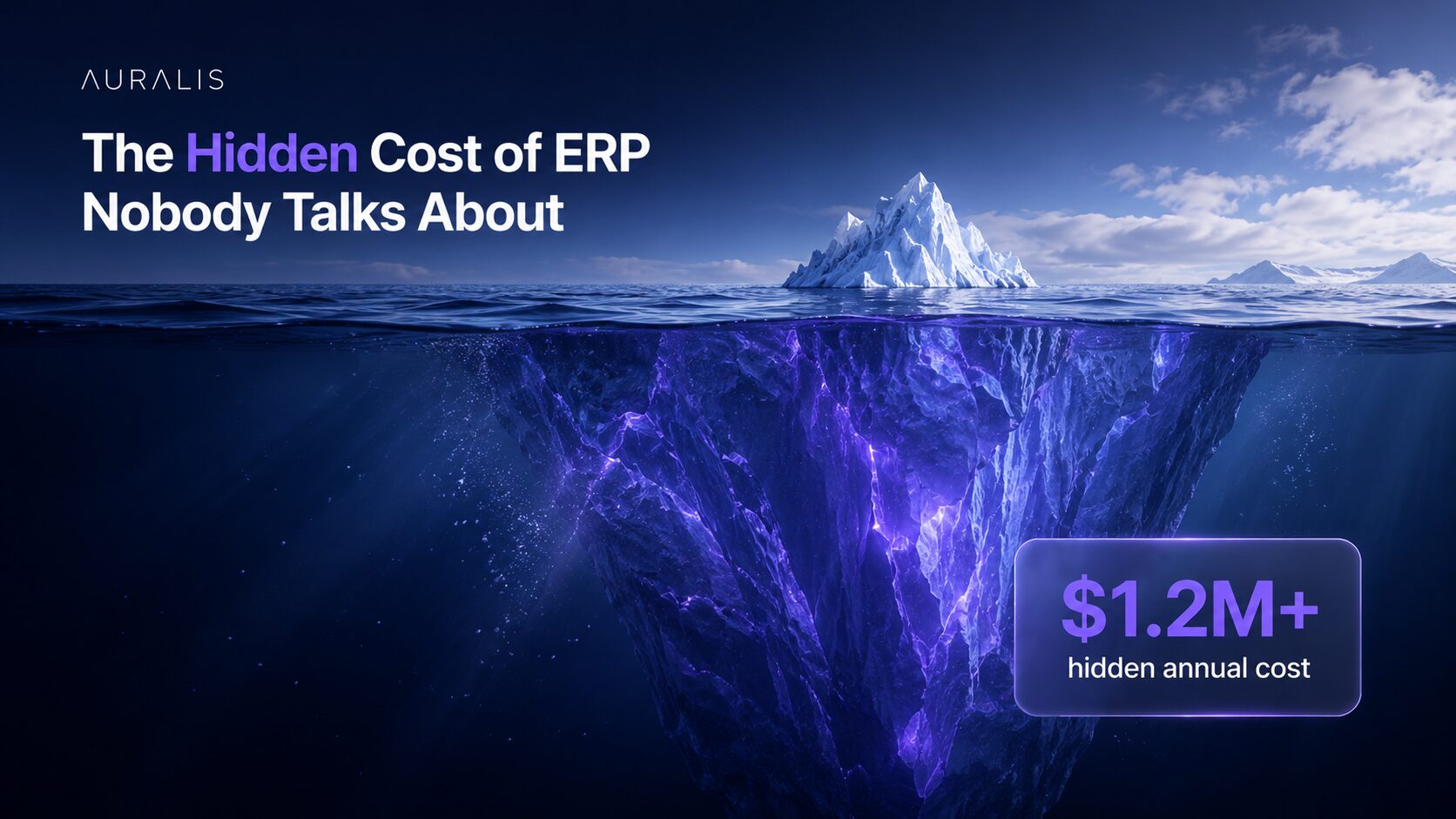
The Hidden Cost of ERP Nobody Talks About

May 13, 2026 · 26 min read
On this page
The ERP budget you present to leadership covers implementation, licensing, and hardware. What it doesn’t cover are the hidden costs that emerge post go-live: ongoing support staff expansion, continuous retraining cycles, super-user salary premiums, process inefficiency losses, and productivity drains from unresolved support needs. For a 1,200-person D365 F&O deployment, these hidden costs typically total $3-5M annually, often exceeding the original implementation budget.
Beyond the Implementation Budget: Where the Real Costs Hide
When you close the implementation project, you believe the heavy spending is done. Leadership relaxes. Budget discipline eases. But what actually happens is that costs shift from ‘project’ to ‘operations,’ where they’re no longer scrutinized with the same rigor. Support costs balloon quietly. Retraining happens ad-hoc. Super-users get permanent raises. None of it appears as a discrete line item, so it never surfaces as a problem until you compare actual spend to benefit realization.
Forrester research (2023) found that 71% of organizations underestimate true ERP total cost of ownership (TCO) by 30-50%. The reason isn’t poor arithmetic, it’s that hidden costs are spread across the organization and buried in operational budgets. No single owner is accountable for the total cost, so no one connects the dots.
ERP Cost Intelligence
The 6 Hidden Costs No One Puts in the Budget
Licensing and implementation are just the beginning. For a 1,200-person organization running D365, the operational costs that surface in year one post go-live can exceed a million dollars, none of it in the original business case.
Combined annual hidden cost estimate
$567K – $1.27M / year
1,200-person organization · Post go-live · Excludes licensing & implementation
D365 is more capable, more complex, and more integrated than legacy systems. Within 3–6 months of go-live, support tickets exceed capacity. You hire contractors, then FTEs. Most organizations expand support staffing 30–50% in the first 12 months, and that expansion is permanent. A 5-person team becomes 6.5–7.5 FTEs at $85K–$100K fully loaded per person.
Initial training happened at go-live. Now you have turnover, process changes, and new modules coming online. New hires receive 3–5 days of training at $400–$600/day loaded cost. Process changes trigger refresher sessions. For a 1,200-person organization, annual retraining costs easily reach $300K–$600K, excluding internal resource time.
Your top power users are now indispensable, pulled into every decision, every training session, every escalation. They are also prime poaching targets. Retaining 3–5 super-users requires paying 10–20% above peer salary, permanently. That premium is the cost of keeping the system running correctly.
Users work around D365 when the process is unclear, too slow, or misaligned with how they think. Shadow spreadsheets multiply. A procurement process designed for 10 minutes takes 30. An AR process built for 90% automation stays at 40% manual. Gartner data indicates organizations without continuous reinforcement lose 20–40% of intended efficiency gains within 12 months.
A user stuck on a ticket is not working. When support eventually responds, context-switching costs a further 10–15 minutes of recovery. At 3–5 support requests per week, each affected user loses 2–3 hours of productive time. Across 1,200 people with 30% experiencing regular friction, the aggregate loss is 400–600 hours per week, equivalent to 8–12 full-time employees producing nothing.
Post go-live, change management does not end, it becomes continuous. Every patch, configuration change, and new integration requires testing, communications, retraining, and risk review. The PMO and training coordinators deployed for the project remain deployed indefinitely. At 0.5–1.5 FTEs, that is $40K–$120K annually with no sunset date.
Annual Cost Range by Category
See what ERP support automation saves you
Auralis resolves up to 75% of D365 support requests, without adding headcount.
Quantifying the Damage: What These Costs Actually Look Like
A detailed cost model for a realistic 1,200-user D365 F&O; deployment in a mid-market manufacturing or distribution company.
The Visibility Problem
Most of this cost is attributed to 'normal operations' and absorbed across the organization. No one sees the total, so no one questions whether it's necessary.
- Finance sees support team headcount expansion. Looks like normal staffing growth for a complex system.
- HR sees salary inflation for super-users. Perceived as competitive market adjustment.
- Operations sees productivity misses and process delays. Attribution is unclear, considered normal variance.
- IT sees change management overhead. Budgeted as business-as-usual, expected cost.
- L&D; sees continuous retraining cycles. Normalized as ongoing training function.
- CFO sees no connection between $1.5M license spend and $6.4M total annual cost.
Root Cause Analysis
Why These Costs Stay Hidden
Three structural reasons why post-implementation hidden costs proliferate, and why most finance and IT teams never connect them back to ERP.
No single owner
Implementation has a clear PM and budget. Operations has IT leadership. But no one owns ERP TCO. Costs scatter across support, HR, operations, and finance, each absorbed quietly into existing budget lines, invisible in aggregate.
Budgeted as business as usual
Support expansion gets buried in IT operational budget increases. Retraining shows as scattered training costs. Salary raises look like normal compensation inflation. No one connects these line items back to ERP post-implementation spend.
Incrementalism
Costs do not spike overnight, they grow gradually. One new support hire in month 3, another in month 6. A raise here, a training initiative there. By month 18, you are spending 3–4× more than budgeted, but it feels normal because the increase was gradual.
2025 Shift
How AI Is Changing the ERP Cost Equation
What is new in 2024–2025 is the emergence of intelligent ERP support automation, AI agents that understand your specific D365 configuration and resolve 60–70% of routine support requests without human intervention. This changes the hidden cost equation fundamentally.
Instead of expanding support headcount, you deploy an AI operating layer that handles tier-1 and most tier-2 support. Retraining needs drop because guided support is always available. Process drift decreases because AI agents enforce your configured processes. For the first time, you can point to a clear ROI on post-implementation investment.
Without AI
With AI Automation
The Solution
The Sprint365 + Auralis Approach
Sprint365 Productivity Toolbox and Auralis AI address each hidden cost driver directly, not with workarounds, but with structural automation that removes the underlying cause.
Role-Based Academy Training
Keeps knowledge current across your user base, reducing the retraining cycles triggered by turnover, process changes, and new module rollouts.
Retraining costs reduced 40–50%Contextual Help & Process Diagrams
In-system guidance that prevents process drift and reduces dependency on super-users. Users get the right answer at the point of need, without escalating a ticket.
Super-user premiums stabilizedAuralis AI Support Automation
Intelligent agents that understand your D365 context resolve 60–70% of support requests automatically. Your support team operates at original staffing levels, or smaller.
Support costs reduced 40–50%Instant Guidance Without Escalation
Users get answers immediately rather than submitting tickets and waiting. Context-switching losses drop. Productivity is recovered across the full user base.
Process efficiency gains of 15–25%Combined Annual Impact, 1,200-User Organization
At 150+ active users across multiple organizations, Sprint365 is proving this model works at scale. Combined with Auralis AI's enterprise support automation, organizations finally have a clear answer to: "Why is our ERP costing us so much?"
See what ERP support automation saves you
Auralis resolves up to 75% of D365 support requests, without adding headcount.
Frequently asked questions
Looking for details to help you decide? Here's why Auralis helps you start saving today.
Are these hidden costs real, or am I overspending compared to peers?
They’re very real and nearly universal. Forrester’s research shows 71% of organizations underestimate TCO by 30-50%. If you’re not explicitly measuring post-implementation hidden costs, you’re almost certainly experiencing them at the levels described.
Can we reduce hidden costs without AI automation?
Partially. Better training, process documentation, and change management will help. But you won’t eliminate the cost without automation. AI is the lever that allows you to maintain support at original scale while actually expanding system capability.
How much should we budget for post-implementation hidden costs?
As a rule of thumb, budget 3-5x your annual ERP license cost for the true TCO, including all hidden costs. If your D365 spend is $1.5M annually, your true cost is $4.5-7.5M. If you’re tracking hidden costs and your actual TCO is lower, you’re already ahead of the curve.
How do we avoid these costs in the first place?
Start with an adoption and support strategy that goes beyond go-live. Invest in role-based training, process documentation, and intelligent support automation before costs spiral. It’s much cheaper to prevent hidden costs than to cure them after 12 months of damage.
KEY TAKEAWAY
The ERP costs you budget for in implementation represent maybe 20-25% of the total cost of ownership. Hidden costs, support expansion, retraining, super-user premiums, process inefficiency, and productivity losses, represent 75-80%. For a typical 1,200-user D365 F&O deployment, hidden costs total $3-5M annually and often aren’t tracked as a discrete category. They scatter across support budgets, HR costs, and operational inefficiency, making them invisible to executive oversight. This is why many organizations look back and feel they overpaid for their ERP. The system isn’t expensive, post-implementation execution is. By deploying role-based training (Academy), contextual guidance (Help and Processes), and AI-powered support automation (Auralis), organizations cut hidden costs by 40-50% and achieve true business value realization. The investment in adoption and support automation pays for itself in 2-3 months and delivers multi-year savings.
For ERP support teams
See Auralis on your ERP help desk
A 30-minute walkthrough on your own requests: access, posting errors and how-to questions.
Book a demoBrand Manager
Related posts

AI-Powered ERP Support: How to Automate Up to 75% of Your D365 Help Desk
AI-powered ERP support automation can resolve up to 75% of support requests without human intervention by deploying intelligent agents that understand your D365 configuration, data, and business processes.
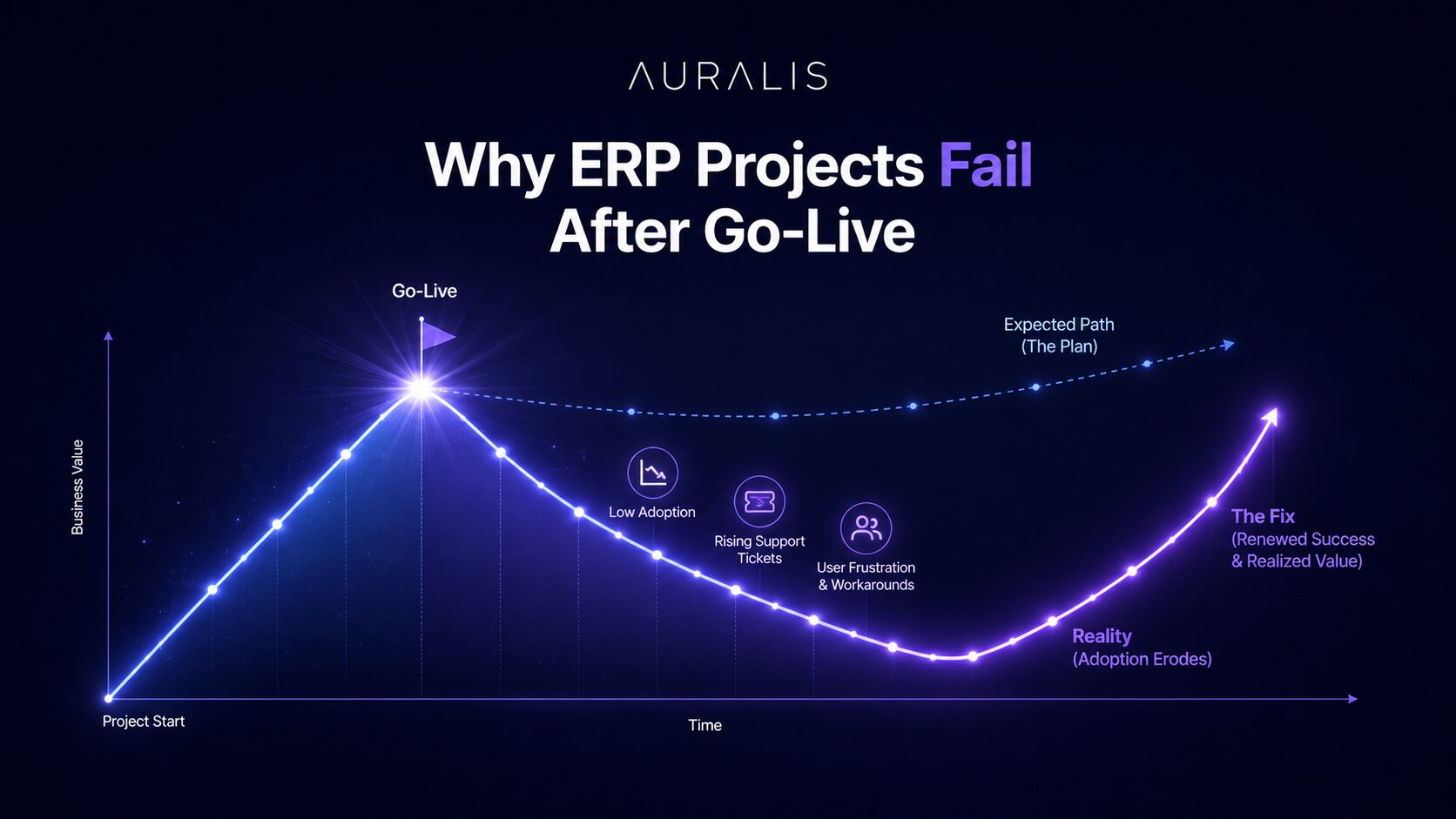
Why ERP Projects Fail After Go-Live (And How to Fix It)
ERP projects don't fail on go-live day, they fail in the months after. Most D365 F&O implementations achieve a successful cutover, but adoption gaps and support overload undo the gains.
The Complete Guide to ERP Support in 2025
How AI-powered ERP support eases post-go-live challenges, improves user adoption, reduces costs and lifts overall efficiency for your business.